How to create backup in DirectAdmin

STEP 1

-Log in your Direct Admin

STEP 2

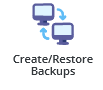
-Click on restore/create backups or you can type restore on the search bar.
STEP 3

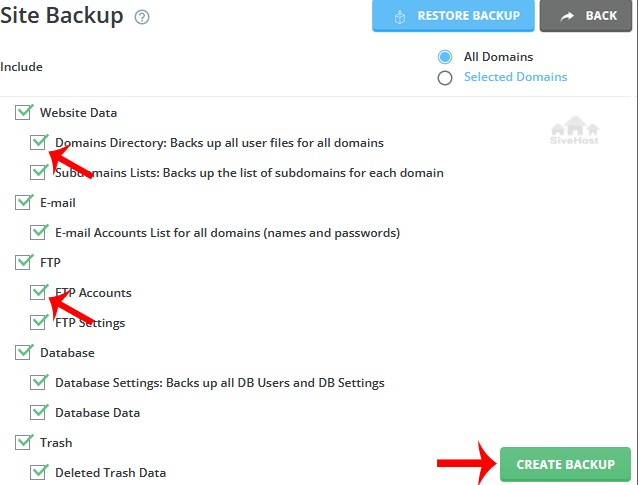
-Under site backup, look for options you wish to include in your backup.


STEP 4

-Scroll down to the end of the page to create backup.

STEP 5

-It will display a success message such as creation added to the queue. Once the backup is generated it shows a message in the DirecrtAdmin Panel


  • 0 Users Found This Useful
Was this answer helpful?

Related Articles

How to Log in to DirectAdmin

After you place an order and make a successful payment, you will receive a welcome email...

How to Log Into DirectAdmin From the Client Area

How do I log into DirectAdmin We begin to login at the Portal Home. This is the Login Page for...

How to Create Emails in DirectAdmin

Creating an Email in DirectAdmin 1. Log in to DirectAdmin. 2. In the left panel menu, click the...

How to Change Your Email Password on DirectAdmin

Changing Your Email Account Password   1. Log in to DirectAdmin. 2. In the left panel menu,...

How to Create a Database in DirectAdmin

How to Create a Database in DirectAdmin Introduction A database is used to store website...