STEP 1
-Log in your Direct Admin
STEP 2
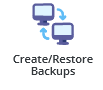
-Click on restore/create backups or you can type restore on the search bar.

STEP 3
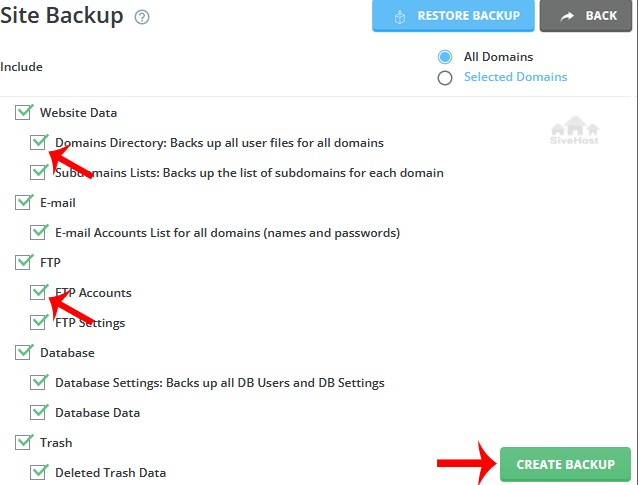
-Under site backup, look for options you wish to include in your backup.
STEP 4
-Scroll down to the end of the page to create backup.
STEP 5
-It will display a success message such as creation added to the queue. Once the backup is generated it shows a message in the DirecrtAdmin Panel